Create and send a puppy buyer application
3 minute readFree planUpdated September 2026
Build a puppy buyer application in BreedTracker and email it to interested families. Submitted answers stay on the customer record for you to review.
In this stage
Placing puppies
- Add a puppy buyer as a customer
- Create and send a puppy buyer application
- Manage your puppy waiting list and match buyers
- Take a puppy deposit before the litter is born
- Send a puppy invoice and record a deposit
- ProSend puppy contracts for signature or upload signed copies
- Set up a puppy buyer portal
- See what buyers can view in their portal
- How buyers pay invoices and sign contracts
- Track puppy sales and go-home dates
- Add notes and files to breeding records
On this page
Why it matters
- Your questions, answered once, saved with the family's record.
- A family who applies becomes a customer without you typing their details.
- Families can ask for the application themselves from your litter page.
Build your puppy buyer application
- Open Settings, then Applications.
- Add an Introduction if you want one.
- Select Add question, write the Question, and choose How should they answer?
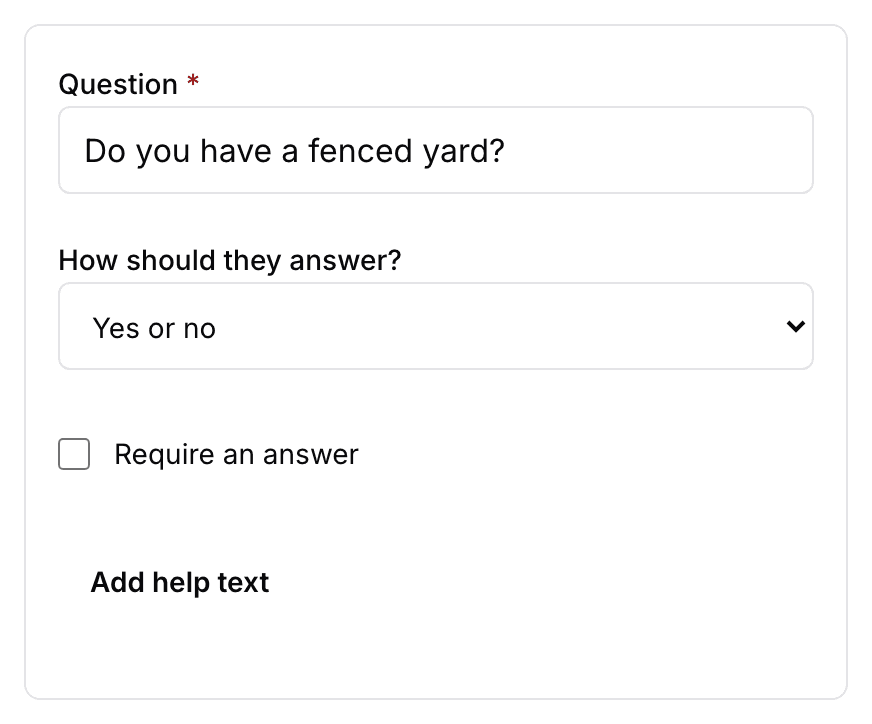
- Tick Require an answer for the ones that matter.
- Select Preview to try it as a family would.
- Select Save application.
Name, email, phone, city, state, and ZIP are always asked, so you never add those. A family already filling one in keeps the version they opened.
Send the application to a buyer
- Open the family's page and select Actions, then Send application. For someone new, use Send application at the top of the Customers page.
- Check the Email and select Send application.
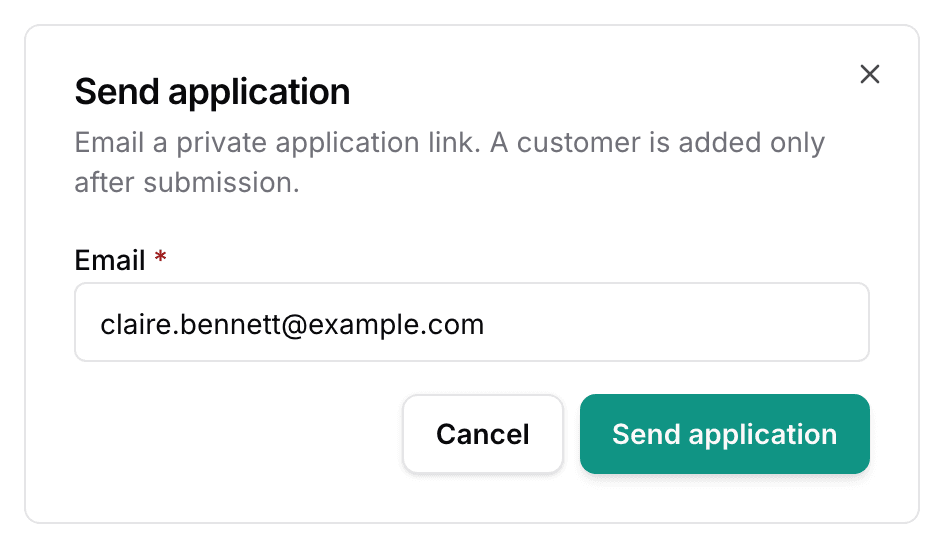
- Application sent confirms it.
The link is private to that address. It works once, for 30 days. Sending again makes a fresh link. On your public litter page, Email me the application lets a family ask for it themselves.
How buyers fill out the application
An email from BreedTracker arrives with Fill out your application. The link opens a page with Contact details and your Questions. Their email address is already filled in, and it stays fixed.
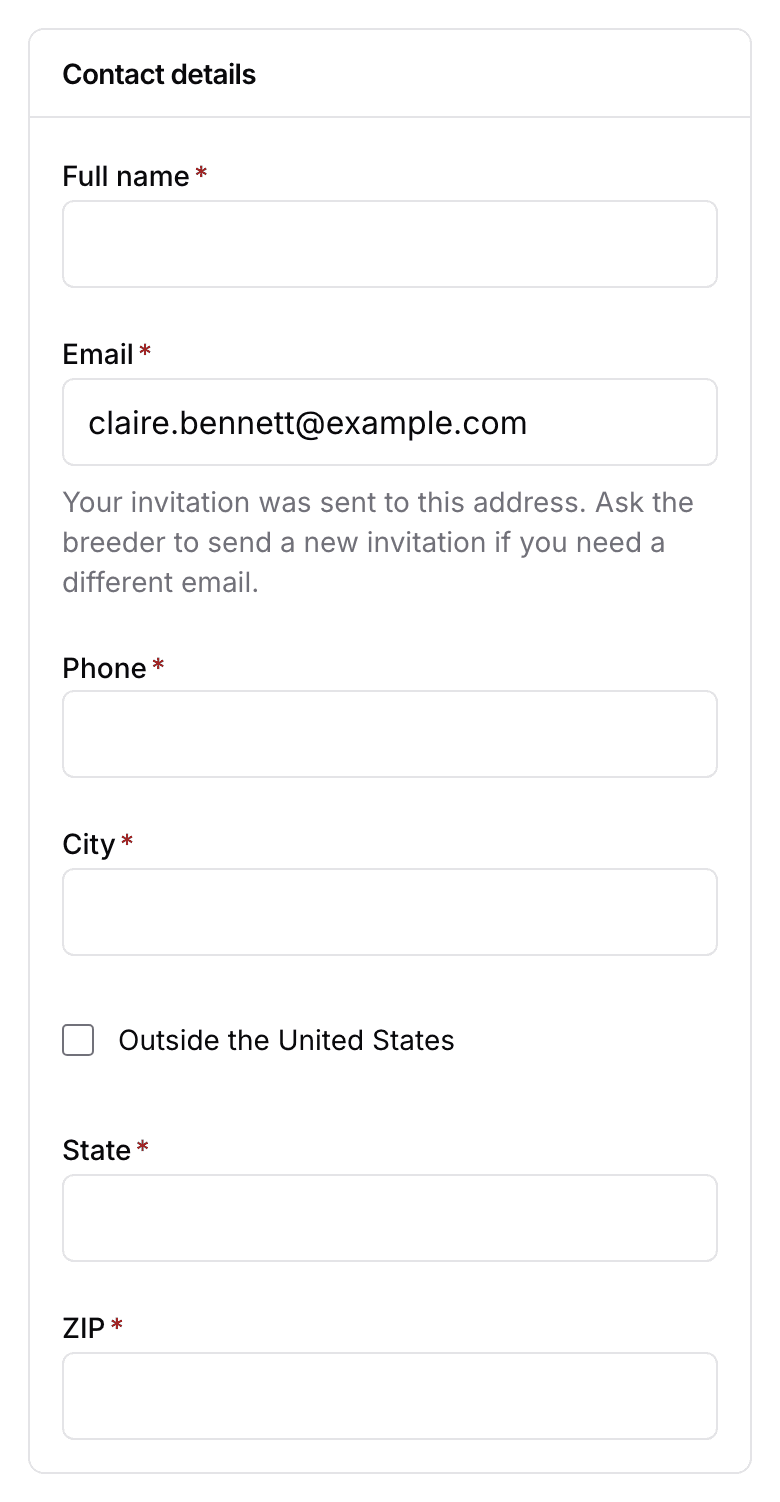
At the bottom they select Submit application, and Application submitted tells them it arrived.
Review submitted applications
A new family becomes a customer marked Prospect. An existing family's answers attach to the record you already have. Open the Applications card on their customer page to read the answers.
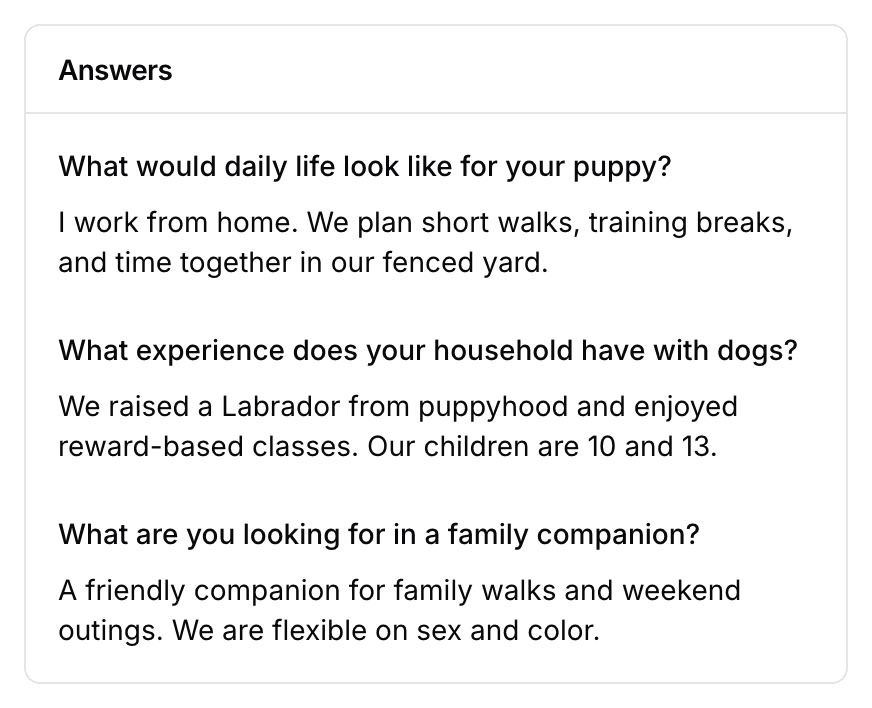
The dashboard's Needs Attention section reads New application until you open it. You are emailed as well.
Rarely, the details point at two families at once. Perhaps two customers share an email, or the phone belongs to one family and the email to another. BreedTracker will not guess. It files the application as a new customer and shows Attach to existing customer. Move it to the right family, or leave it as a new one.
Next
Did this answer your question? If not, we would like to know what you were looking for.
Email support