See what buyers can view in their portal
4 minute readFree planUpdated September 2026
The buyer portal shows puppy photos, growth, health records, invoices, and documents you share. Check what appears on each page and how access differs for another family member.
In this stage
Placing puppies
- Add a puppy buyer as a customer
- Create and send a puppy buyer application
- Manage your puppy waiting list and match buyers
- Take a puppy deposit before the litter is born
- Send a puppy invoice and record a deposit
- ProSend puppy contracts for signature or upload signed copies
- Set up a puppy buyer portal
- See what buyers can view in their portal
- How buyers pay invoices and sign contracts
- Track puppy sales and go-home dates
- Add notes and files to breeding records
On this page
Why it matters
- Knowing what they see lets you answer their questions before they ask.
- Every part of their page is there because of something you did in BreedTracker.
- Nothing you did not share is on it.
The buyer portal home page
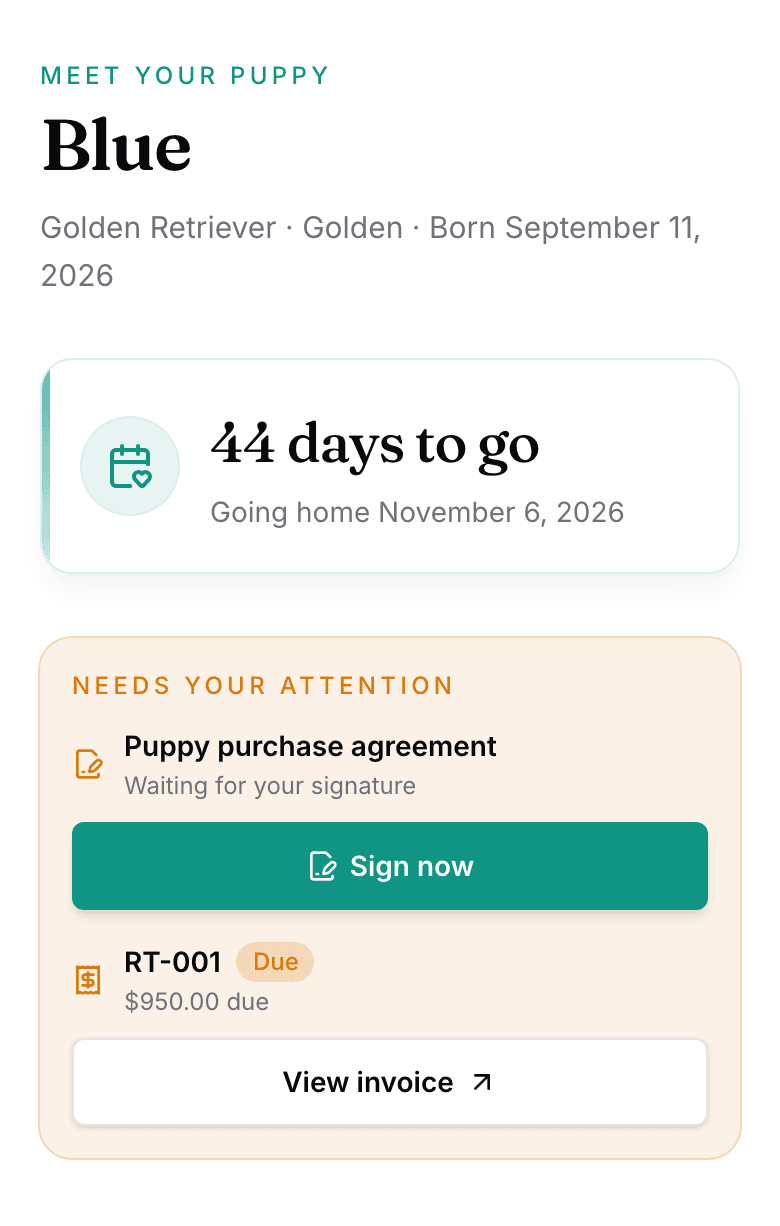
Their page opens on Meet your puppy and the puppy's name. A countdown reads {n} days to go, and then Home since {date} once the puppy has gone home. Needs your attention appears only when a contract is unsigned or an invoice is open. Three rows lead to the puppy, to Payments, and to Documents. Your litter updates sit below, under From {kennel}, which the whole litter's families see, with no comments or likes.
Payments shows each puppy they are buying, with Price, Fees and tax, You've paid, and Left to pay. Once you send a payment request, View payment request and history opens its page. See How buyers pay a payment request.
Puppy photos, growth, and health records
- The journal: the photos you marked Show in buyer portal, day by day, with the puppy's age.
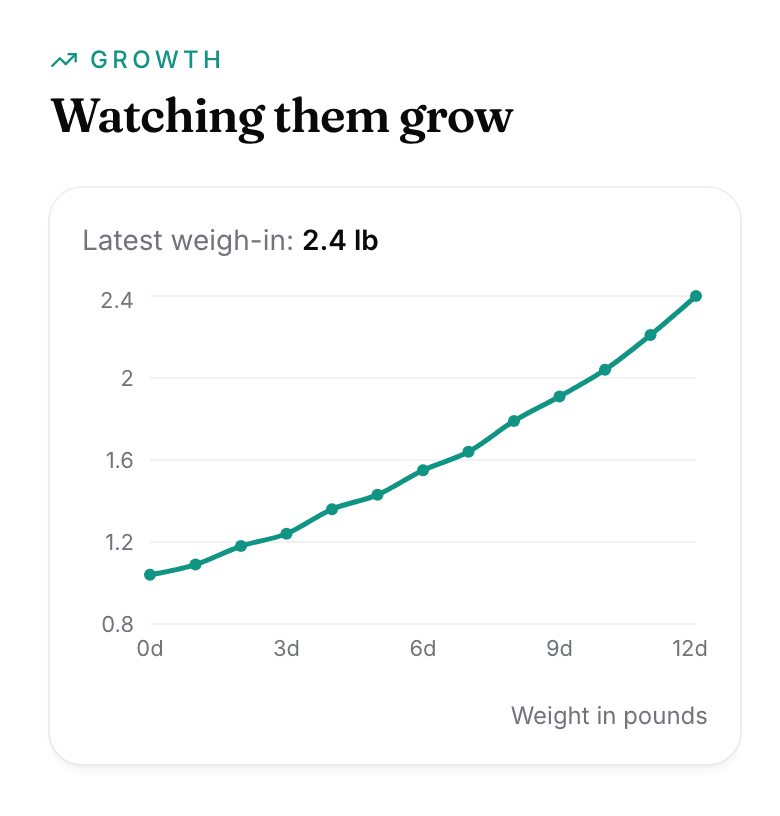
- Growth: appears once you have weighed the puppy. Hover labels show the recorded weight and unit when available. This includes readings entered in different units as the puppy grows.
- Wellness: the Microchip number and each vaccination, deworming, and vet visit you record.
There is no pedigree in the portal.
Shared documents and notes
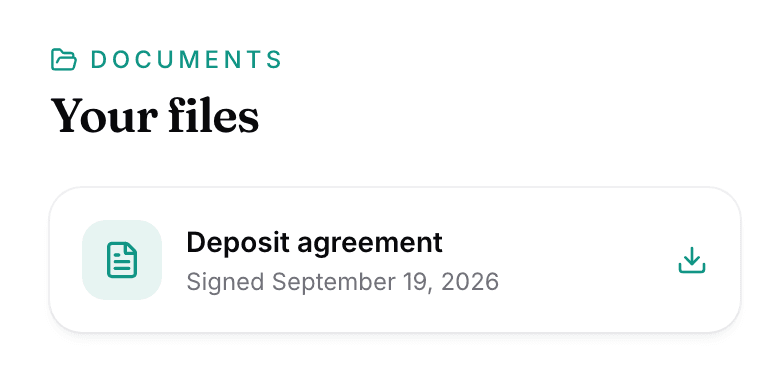
Your files holds the signed contract and any file you set Visible to buyer. Notes from {kennel} shows the notes you share using the same setting. Each file carries Download.
Set access for another family member
- On the customer's Buyer Portal tab, select Add person.
- Choose Everything or Updates only.
- Leave Send sign-in link now ticked.
Updates only sees the puppy and the feed, nothing about money or documents, and can never sign.
Buyer email preferences and notifications
The portal has one switch: Email me when {kennel} posts. Invoice, contract, and document emails still go out, whatever they set it to.
Three emails come from what you share, each under your kennel name:
- {n} new photos of {puppy}! goes out when you select Notify buyer on the puppy's photos.
- New update from {kennel} goes out when you post a litter update, and the switch above stops it.
- A new update from {kennel} goes out when you share a note or a file.
Records buyers cannot see
- Other families, and any detail about them.
- Any price but the one on their own invoice.
- Notes, files, and photos you did not mark visible.
- An invoice still in draft.
Next
Did this answer your question? If not, we would like to know what you were looking for.
Email support