Create a litter from a recorded heat
2 minute readFree planUpdated September 2026
Create a litter record from a logged breeding, with the parents and expected whelp date carried over. The litter page opens with its care checklist ready.
In this stage
Expecting a litter
- Create a litter from a recorded heat
- Identify your puppies
- Record whelping and puppy birth details
- Log temperatures before whelping
- Record puppy weights and read the growth chart
- Understand puppy weight alerts
- Track litter care with the checklist
- Share a public litter page with buyers
- Understand the free plan litter limit
On this page
Why it matters
- The dam, the sire, and the due date all come from the breeding you logged.
- The litter record connects its checklist and buyer pages from day one.
- Links between the heat and litter keep the breeding history together.
Before you start
Create the litter record
- Open the dam's recorded heat.
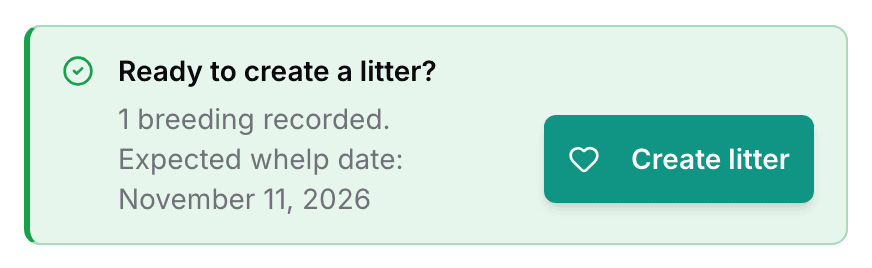
- Under Ready to create a litter?, select Create litter.
- Check the Expected Whelp Date and the suggested Litter Name.
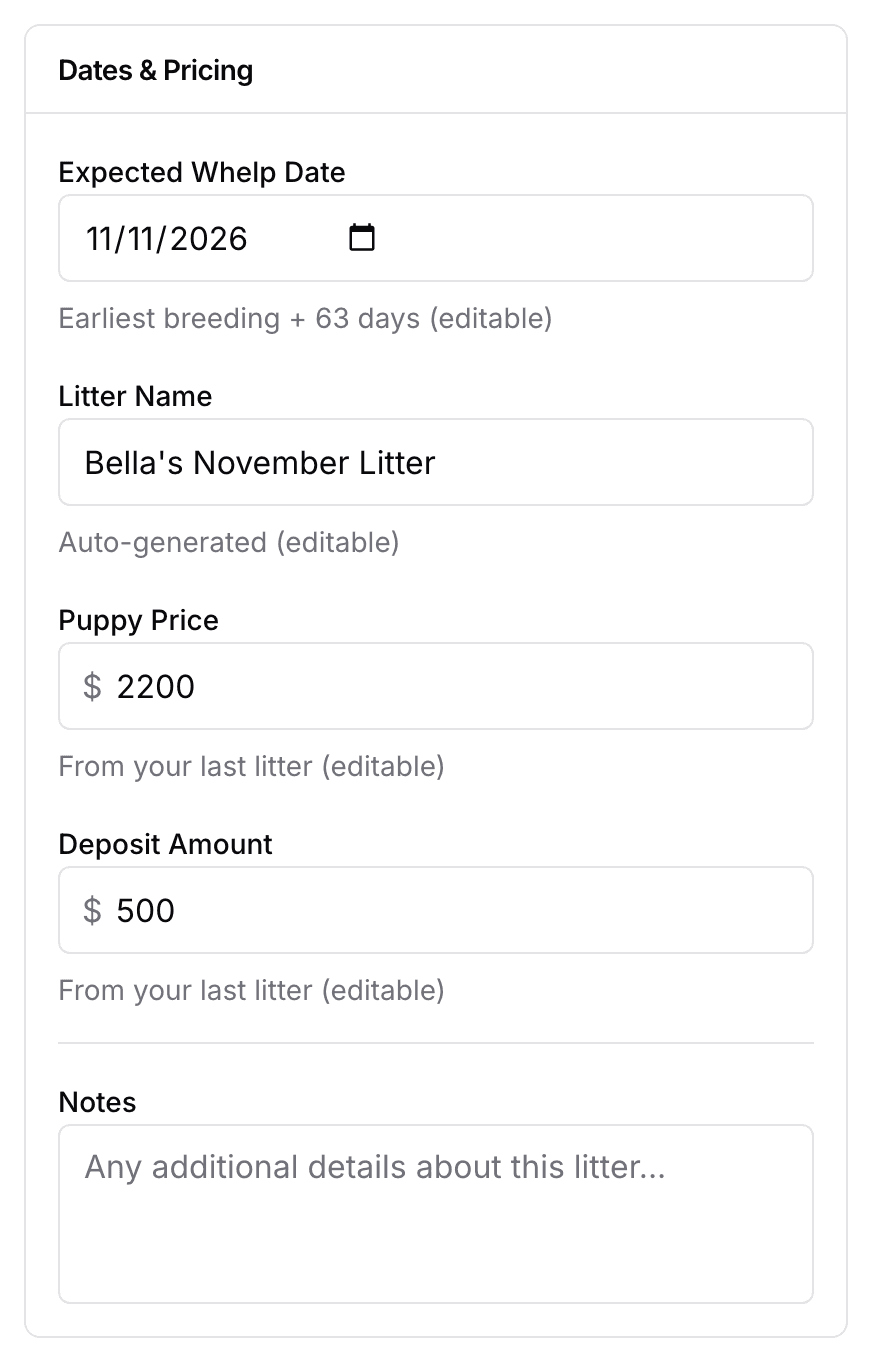
- Set a Puppy Price and a Deposit Amount, or keep the ones carried over from your last litter.
- Select Create litter.
Add litter on the Litters page reaches the same form. It asks you to pick the dam and the heat first.
The Puppy identification section lets you choose collars, coat color, markings, or identifying descriptions for this litter. You can decide later. See Identify your puppies for setup and reusing previous choices.
Review the new litter page
The new litter shows Pending, with the days until the expected whelp date.
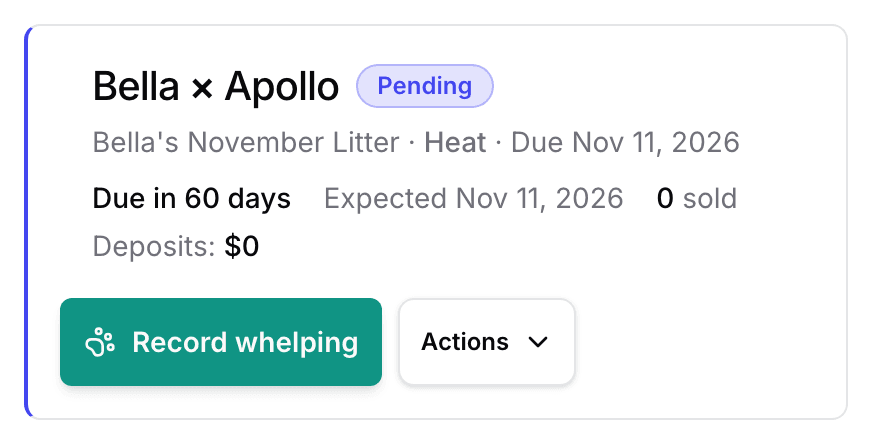
Record whelping appears at the top of the litter page. See Record the whelping. The Litter Checklist is there from day one, its dates counted from the expected whelp date. It moves onto the real birthday once you record the birth. See Track litter care tasks. The dam’s heat now reads Litter Created, with a View litter button on it.
Check the free plan litter limit
The Free plan allows four litters per calendar year. They are counted as you create them. The Litters page says Litter limit reached when you get there, and says when it resets.
Next
Did this answer your question? If not, we would like to know what you were looking for.
Email support