Understand puppy weight alerts
2 minute readFree planUpdated September 2026
BreedTracker flags recent weight loss or no gain in puppies during their first three weeks. Check where the alert appears and which weight records clear it.
In this stage
Expecting a litter
- Create a litter from a recorded heat
- Identify your puppies
- Record whelping and puppy birth details
- Log temperatures before whelping
- Record puppy weights and read the growth chart
- Understand puppy weight alerts
- Track litter care with the checklist
- Share a public litter page with buyers
- Understand the free plan litter limit
On this page
Why it matters
- A puppy that stops gaining in its first three weeks needs your vet, fast.
- BreedTracker checks each weight you log and flags weight loss or no gain.
- A recorded weight gain clears the alert.
What triggers a puppy weight alert
The app compares a puppy's newest weight with the one before it. If the puppy lost weight, or weighed exactly the same, it is flagged. The flag applies only to puppies 21 days old or younger, counted from whelping. On day one, the app flags a loss over a tenth of birth weight. The birth weight counts as the first reading, so your first weigh-in can already raise it.
Find puppy weight alerts
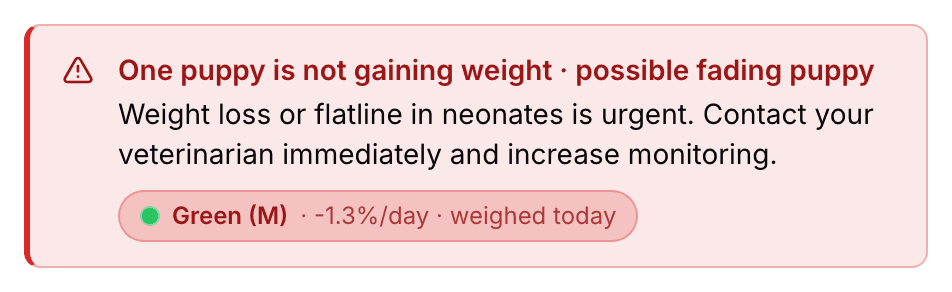
A red box sits above the litter page's tabs: One puppy is not gaining weight · possible fading puppy. It names the puppy, and the name is a link to that puppy's page.
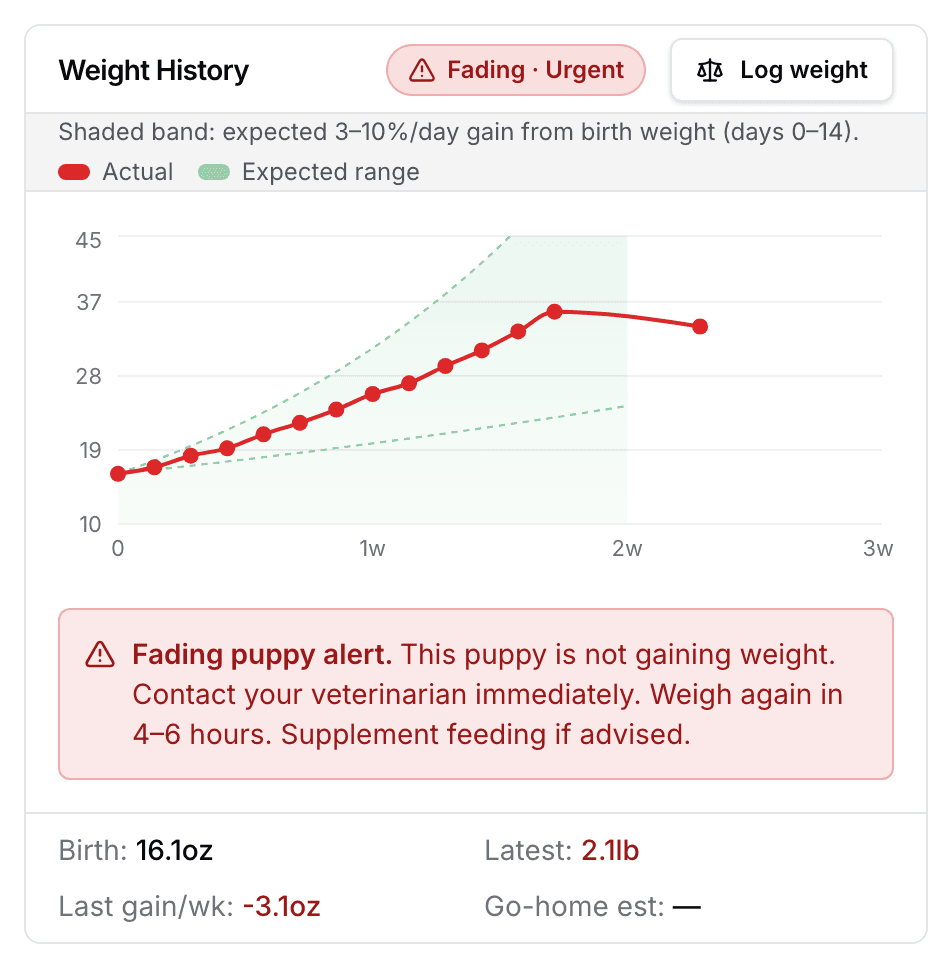
The puppy's own Weight History card shows Fading · Urgent and the app's instruction to contact your veterinarian.
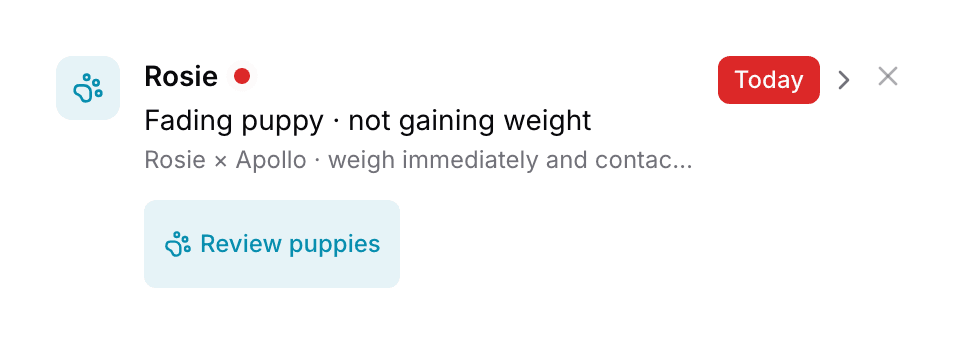
Your dashboard lists Fading puppy · not gaining weight under Needs Attention as Critical, with Review puppies.
Weight alerts appear on screen. They are not sent by email or text.
Clear or dismiss a weight alert
- One weigh-in showing any gain clears every alert at once.
- Correcting or deleting a wrong reading clears it too. See Correct a puppy weight entry.
- It does not clear on its own with time. A puppy you stop weighing stays flagged until the next weigh-in.
- Dismiss on the dashboard row hides that row for three days, for everyone, and nothing else.
Next
Did this answer your question? If not, we would like to know what you were looking for.
Email support