Add your dogs
3 minute readFree planUpdated September 2026
A dog’s record keeps health history, pedigree, and breeding records together. Add your dogs to BreedTracker before recording heats or litters.
In this stage
Why it matters
- Every heat, litter, and health record belongs to the dog you record it on.
- A sire or dam you add once is available for later pedigrees.
- There is no limit on dogs, on any plan.
Add a dog
- Open Dogs and select Add dog.
- Enter the Registered Name, then choose Sex and Breed.
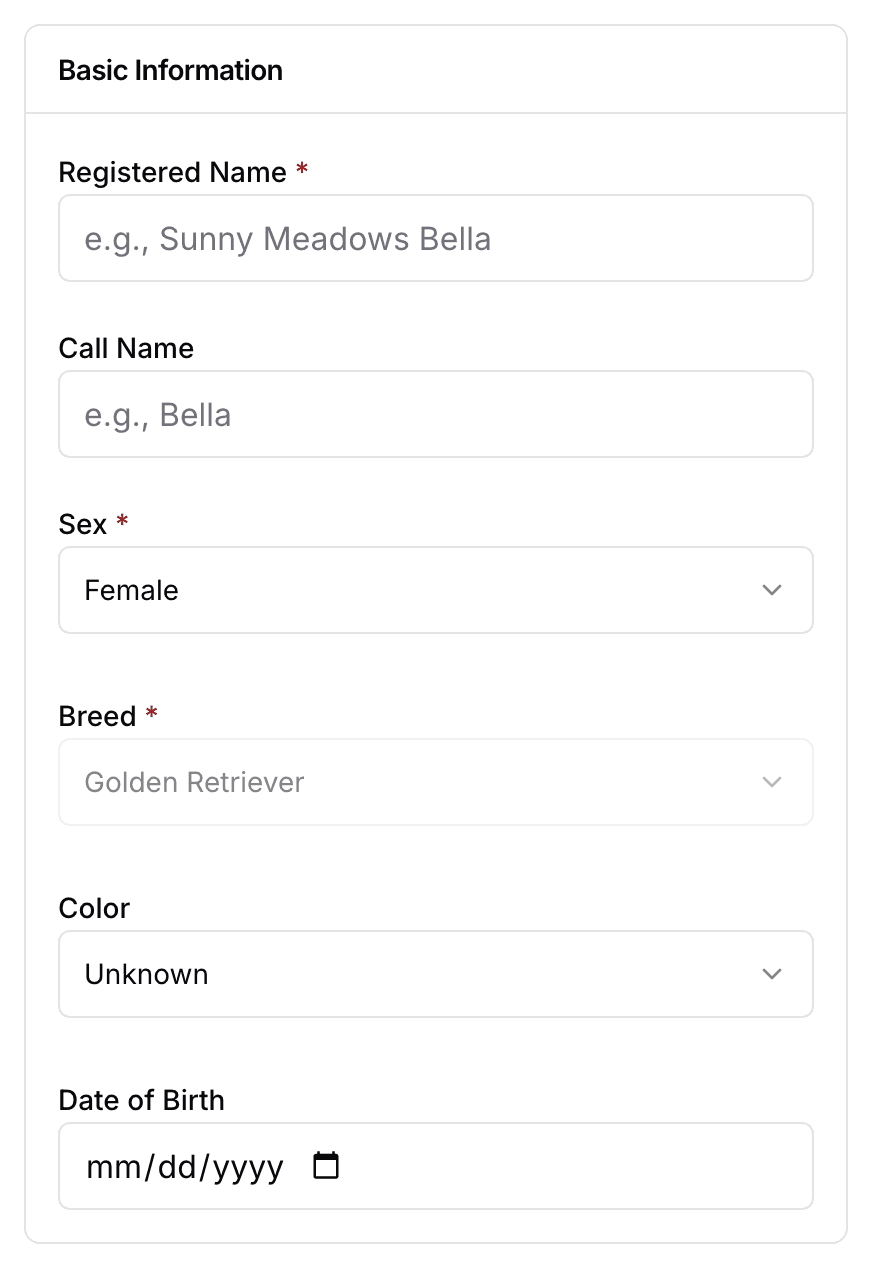
- Choose the Dog Type, the Ownership, and the Status.
- Add a Registration Number and a photo if you have them.
- Select Add dog, or Save & add another to keep going.
Choose a dog type
| Kind | What it is |
|---|---|
| Breeding Stock | What it isA dog you own or co-own, working in your program. |
| Outside Stud | What it isA male you bred to but do not own. |
| Pedigree-only dog | What it isAn ancestor you keep for lineage. It stays out of your roster and your stud pickers. |
Puppies are added through their litter. Follow Record the whelping to enter their birth records.
Heats, litters, health, and pedigree on a dog’s page
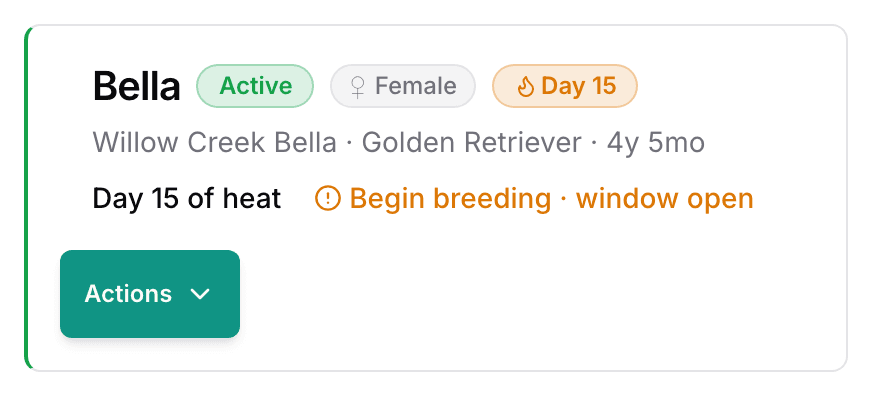
Every dog’s page opens on Overview. Each tab holds one kind of record.
- Overview: upcoming events and lifetime totals.
- Heats, on a female’s page: every recorded season. Start the next one with Record a heat cycle.
- Litters & Revenue: the litters the dog has produced.
- Health: health clearances and care history.
- Pedigree: the dog’s ancestors, and where you build them.
- Notes and Files sit under the tabs, so the dog’s paperwork stays with its record.
Build a dog’s pedigree
A registration certificate names the dog. A pedigree certificate names its ancestors. BreedTracker reads each one with its own upload, and the pedigree can also be built by hand.
Parents and earlier generations are added by hand on the dog’s Pedigree tab, on any plan. See Add a pedigree.
Next
Did this answer your question? If not, we would like to know what you were looking for.
Email support