Record a heat cycle
2 minute readFree planUpdated September 2026
Record your dog’s heat start date in BreedTracker to open a record for that cycle. Add progesterone results and breedings to the same heat record as the cycle progresses.
In this stage
Planning a breeding
On this page
Why it matters
- The heat record keeps the cycle’s progesterone results and breedings together.
- Your dashboard tracks the active heat. Needs Attention lists the female as an Active heat cycle until the tests say Breed now.
- Recorded heats give BreedTracker cycle history to use alongside the breed average.
Record the start of a heat cycle
Add the female’s dog record first: see Add your dogs.
- Open Heats (in the left menu, or under More on a phone).
- Select Record heat at the top of the page, then choose the female from the list. The female’s own row carries a Record heat button as well.
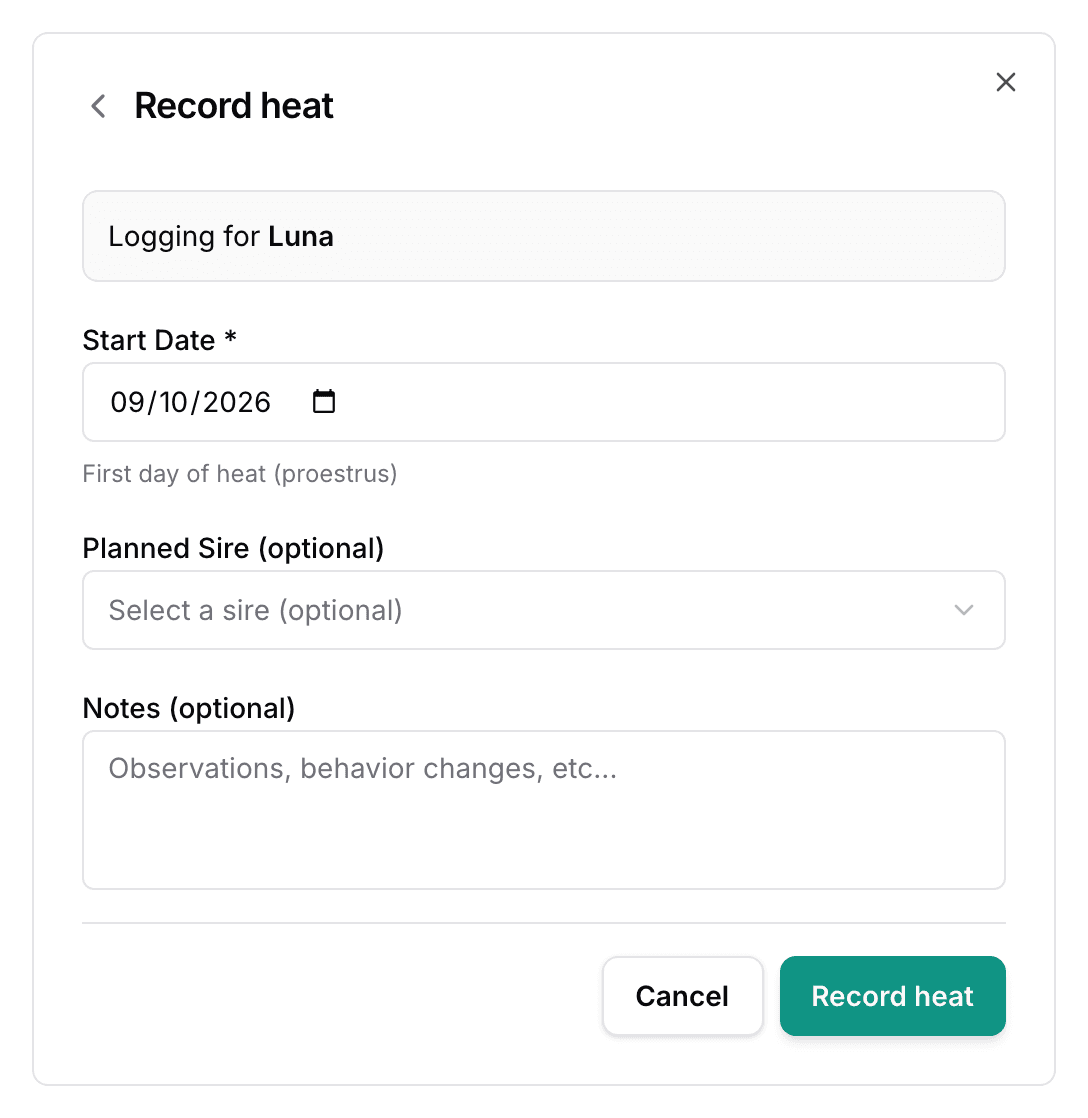
- Enter the Start Date. It defaults to today, and it cannot be a future date. Backdate it if you noticed the heat a day or two late.
- Choose a Planned Sire (optional) if you have one in mind. The planned sire is already selected when you log the breeding.
- Select Record heat.
The form also has a Notes (optional) field, for what you saw the day the heat began.
Use the heat cycle record
BreedTracker opens the heat page. The female’s name sits at the top with the stage of the heat and the day of the cycle.
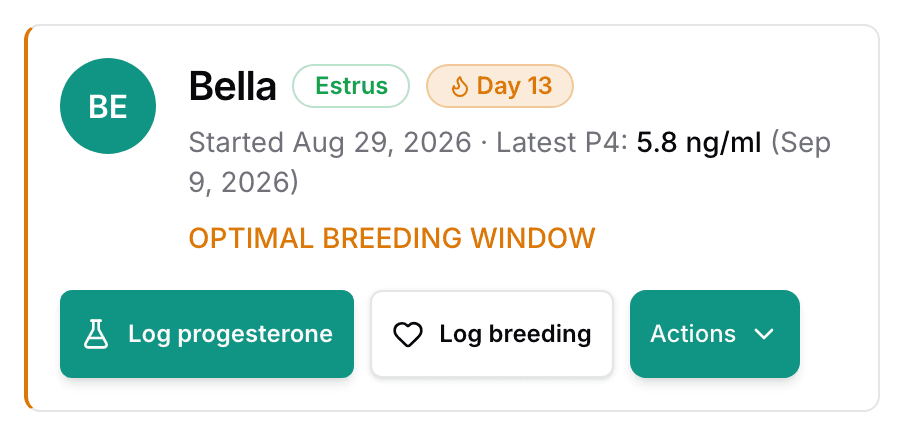
Log progesterone and Log breeding sit beside the name. Heat cycles close automatically. The breedable window runs 21 days from the start date and closes on its own. Log a breeding and the heat reads Bred. Create the litter and it reads Expecting. If the start date was wrong, open Actions and select Edit details.
Find the next heat estimate
Back on the Heats list, each female shows a window for the next season. With one recorded cycle or none it reads Breed estimate · wide window, the breed average. Later heat records help update the estimate, but the range may stay broad.
From here: Know when to breed with progesterone tests, then Log a breeding and get the whelp date.
Next
Did this answer your question? If not, we would like to know what you were looking for.
Email support