Choose and export a breeding report
4 minute readFree planUpdated September 2026
Choose from fifteen reports covering breeding stock, litters, buyers, revenue and documents. Find the report that answers your question, then set its period or export its rows.
In this stage
Running the business
- Choose and export a breeding report
- ProTrack outstanding puppy balances
- ProExport a year-end income statement
- Customize your default litter checklist
- Manage your subscription and billing
On this page
Why it matters
- Every report is built from records you already keep, so there is nothing to set up.
- Choose a report by the breeding or business question you need to answer.
- Opening or exporting a report never changes a record.
Open a report
- Open Reports from the sidebar.
- Pick a report from its group, such as Financial.
- Set the period at the top with This month through All time, or use a report's own tabs.
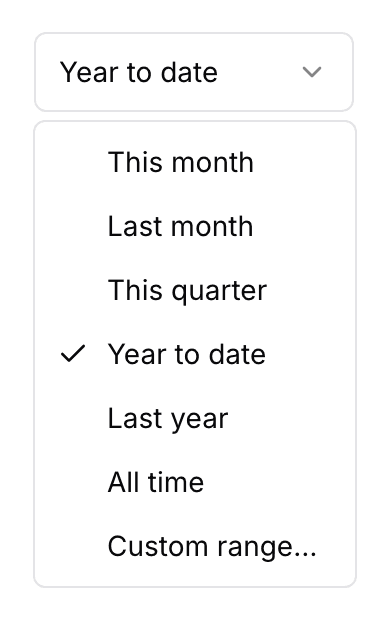
Custom range… at the foot of the picker takes a start date and an end date.
Three reports are open on every plan: Puppy Disposition Board, Sales Pipeline & Sources, and Waitlist & Reservations.
Choose the report for your question
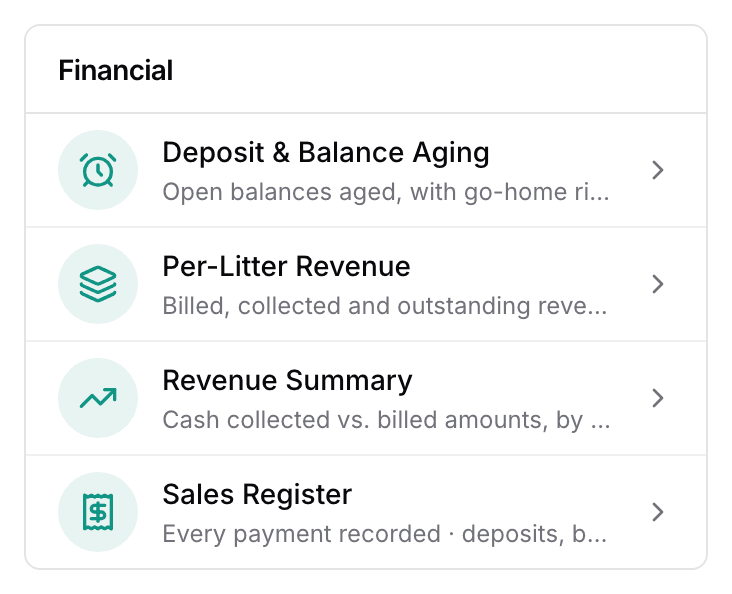
Financial
- Deposit & Balance Aging: How overdue is each open balance?
- Per-Litter Revenue: What has each litter billed, collected and left owing?
- Revenue Summary: What came in, against what was billed?
- Sales Register: What payments have you recorded?
Breeding Stock
- Health Testing Compliance: Which dogs are missing or about to lose a clearance?
- Dam/Sire Lifetime Production: How many litters, by dam and sire?
- Retirement Planning: Which dams are near the end of their breed's window?
- Breeding-Stock Roster: What is on your roster?
Litters
- Puppy Disposition Board: Where does every puppy stand today?
- Litter Performance: How did each whelped litter go?
Sales & Buyers
- Buyer History: What has each buyer bought and paid?
- Sales Pipeline & Sources: Where is each customer, and how did they find you?
- Waitlist & Reservations: Who is waiting, in what order?
Documents
- Per-Litter Record: What is the full record for one litter?
- Year-End Income Statement: What did you collect in a tax year?
Per-Litter Record and Year-End Income Statement also print a PDF. For open balances on their own, see Track outstanding puppy balances.
Export a report as CSV or Excel
- Select Export at the top of any report.
- Choose Export CSV or Export Excel, and the file downloads.
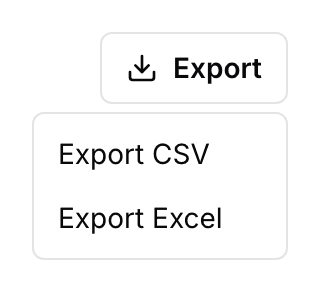
The file holds the rows you see, and on some reports a few more columns for your accountant.
Next
Did this answer your question? If not, we would like to know what you were looking for.
Email support